
Start with Microsoft Clarity. It's free, uncapped, and captures every visitor session from day one. Add Hotjar when you need on-page surveys, funnel analysis, or recordings you can revisit months later.
- Pick Clarity when you want unlimited heatmaps and session recordings at zero cost. It's the right default for most Indiana small business sites, especially high-traffic ones where Hotjar's session-based billing would climb fast.
- Pick Hotjar when you need to ask visitors why they're leaving, run targeted surveys, or track seasonal trends across a long retention period of recordings on paid plans.
- Run both on a custom-coded site by deploying Clarity sitewide for broad behavioral coverage and limiting Hotjar to specific pages, like your contact form or service pages, where qualitative feedback matters most.
For custom-coded sites, script placement and consent gating matter before anything else. Your developer should load both scripts asynchronously, gate them behind a consent trigger, and run a performance smoke test before going live.
Table of Contents
- Hotjar vs Clarity: side-by-side comparison
- How do mobile and desktop recordings differ between the two?
- What session and traffic limits apply to each plan?
- Can you export data or access an API?
- Kirk-co handles the install so you don't have to
- Key Takeaways
Hotjar vs Clarity: side-by-side comparison
| Dimension | Hotjar | Microsoft Clarity |
|---|---|---|
| Best for | Qualitative research, surveys, long retention | Free, uncapped behavioral monitoring |
| Heatmaps | Click, move, scroll | Click, scroll, dead clicks, error clicks |
| Session replay | Yes, metered by daily sessions | Yes, unlimited |
| Surveys / feedback | Yes, native (Ask module) | No native surveys |
| Funnels | Yes | Yes, code-free |
| Data retention | Up to 365 days on paid plans | Roughly 30 days for recordings; heatmaps over time |
| Privacy / DNT | Honors Do Not Track | Does not honor DNT; data used by Microsoft for AI training |
| Performance impact | Moderate; async load recommended | Lightweight; minimal footprint |
| Pricing | Free Basic (a tightly capped free plan); paid tiers billed by sessions | Completely free, no paid tier |
| Integrations | Slack, GA4, Zapier, and more | Native GA4 tie-in, AI Copilot summaries |
| Setup time | 15–30 minutes | About several minutes |
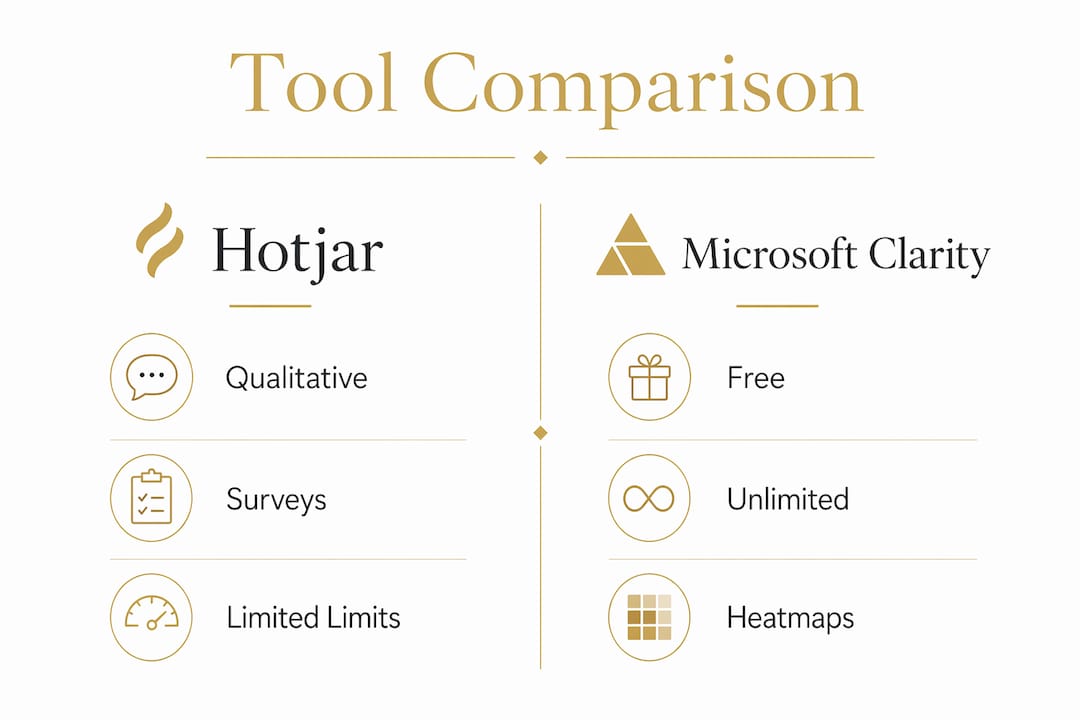
The sharpest trade-offs for Indiana businesses come down to three things. First, privacy: Clarity's terms allow Microsoft to use aggregated data for product improvement and AI training, which matters if you serve clients with strict data contracts. Second, retention: if your business is seasonal, like a landscaper or HVAC contractor, Hotjar's up to 365-day recording retention lets you compare this July to last July, while Clarity keeps session data for about 30 days. Third, cost: Hotjar's session-based billing can surprise you on high-traffic days, so check your pages-per-session in GA4 before committing to a paid plan.
Before your developer installs either tool, ask these four questions:
- How will we handle visitor consent, and does our consent management platform support both tools?
- Do we need recordings older than about 30 days for seasonal or year-over-year analysis?
- Should we sample sessions, or do we want every visitor captured?
- Will we run a performance test on the live site before fully enabling the script?
How do mobile and desktop recordings differ between the two?
Both tools record mobile and desktop sessions and generate separate heatmaps for each device type. Clarity's mobile SDK is specifically designed for minimal performance and bandwidth impact, which is a real advantage on sites where mobile visitors are the majority. Hotjar also separates device views, but its mobile recordings are subject to the same daily session caps as desktop. For Indiana businesses where most local traffic arrives on phones, Clarity's uncapped mobile recording is a practical edge.
What session and traffic limits apply to each plan?
Clarity has none. Every plan is free, and there are no session caps, traffic thresholds, or sampling limits. Hotjar's free Basic plan caps at roughly a small capped number of daily sessions and samples data above that ceiling. Paid Hotjar tiers remove sampling, but costs scale with daily session volume, so a busy week can push you into a higher tier unexpectedly. Check your website analytics tools to understand your current daily session count before choosing a Hotjar plan.

Can you export data or access an API?
Hotjar offers data export options and an Identify API that lets you filter sessions by user attributes like plan type or account tier, which is useful for businesses with logged-in customer portals. Clarity connects natively with GA4, letting you pull behavioral segments directly into your analytics dashboard. Neither tool offers a full server-side REST API; both rely on JavaScript-based tracking. For most Indiana small business owners, the GA4 integration in Clarity covers the export needs you'll actually use day to day.
Kirk-co handles the install so you don't have to

Kirk-co builds hand-coded custom websites for Indiana businesses and handles Clarity and Hotjar installs as part of that work. The process covers consent gating, async script placement, sampling controls, and a performance smoke test before anything goes live. For sites that need Hotjar surveys on specific pages, Kirk-co scopes the install to those pages only, keeping script overhead low across the rest of the site. Monthly website maintenance plans include ongoing monitoring, retention setting reviews, and updates when either tool changes its configuration requirements.
Pro Tip: Load analytics scripts with a defer attribute and trigger them only after consent is confirmed. On a well-optimized custom-coded site, this approach keeps Core Web Vitals scores intact while still capturing the behavioral data you need.
Ready to get Clarity or Hotjar running on your Indiana business site without the guesswork? Contact Kirk-co to get started.
Key Takeaways
For most Indiana local businesses, Microsoft Clarity is the right starting point, with Hotjar added only when surveys or long-term retention justify the cost.
| Point | Details |
|---|---|
| Default choice | Microsoft Clarity is free, uncapped, and installs quickly. |
| Add Hotjar when | You need on-page surveys, funnels, or recordings older than 30 days. |
| Privacy check | Clarity does not honor Do Not Track and allows Microsoft to use aggregated data for AI training. |
| Hotjar billing | Hotjar charges by daily sessions; check GA4 pages-per-session before committing to a paid plan. |
| Kirk-co implementation | Kirk-co installs, consent-gates, and performance-tests both tools on custom-coded Indiana sites. |